 Signet
Professional learning, end to end
Register. Attend.
Earn. Prove it.
Signet takes a professional learning session from the first request for a seat to a signed credential anyone can verify, inside the Google Workspace your organization already runs. One record, five moments, no spreadsheets.
Watch the overview · 2:07The registration tax
Event tools fail in three places.
Signet was built around all three.
What an organization actually needs, like custom branding, registration rules and multi-session tracking, usually sits behind an enterprise tier.
Feature gating · branding upchargesEvery organization gets the whole system: its own subdomain, seal and palette, approval queues and waitlists, sessions that run on several dates with one booking per person, and the badge studio.
- White-label by default
- One booking across dates
- Approval + waitlist built in
Registration in one tool, email in another, video in a third, glued together with zaps. When one breaks, an attendee misses the link and someone reconciles a spreadsheet.
Data silos · broken zaps · sync delaysSignet speaks Google Workspace natively. Approval writes the Calendar invitation, Meet mints the link, Gmail sends from your own team's account, and Meet's attendance report comes straight back in.
- Calendar + Meet built in
- Mail from your domain
- No middleware to break
Yet another account to create, templates that look like everyone else's, and an admin console that needs a certified operator to run one conference.
Forced accounts · rigid templates · steep learning curvesPeople sign in with the work Google account they already have, and there's no password anywhere. One click to register, one click to release a seat, and the approval queue opens on whoever is waiting.
- No passwords
- One-click release
- Your brand only
One record, five moments
Not four systems to reconcile.
One thread, pulled through.
- 01 · RequestSomeone asks for a seat.
Registering is a request, not a reservation. The acknowledgement promises nothing it can't keep.
- 02 · ApproveOne act issues everything.
The seat, the confirmation and the Calendar invitation go out together. A full room waitlists rather than fails, and a released seat promotes the next person automatically.
- 03 · AttendRecorded, never remembered.
Upload Google Meet's attendance report or tick the roster. Unmatched rows are reported, not guessed at.
- 04 · HoursCredited time, computed.
Minutes from Meet's report, or the scheduled length when the roster is ticked, rounded up to the quarter hour the same way every time.
- 05 · CredentialA signed Open Badge.
Open Badges 3.0, signature baked into the image, verifiable by anyone against Signet's published key, without contacting you.
See it working
Five short films.
The whole product in under eight minutes.
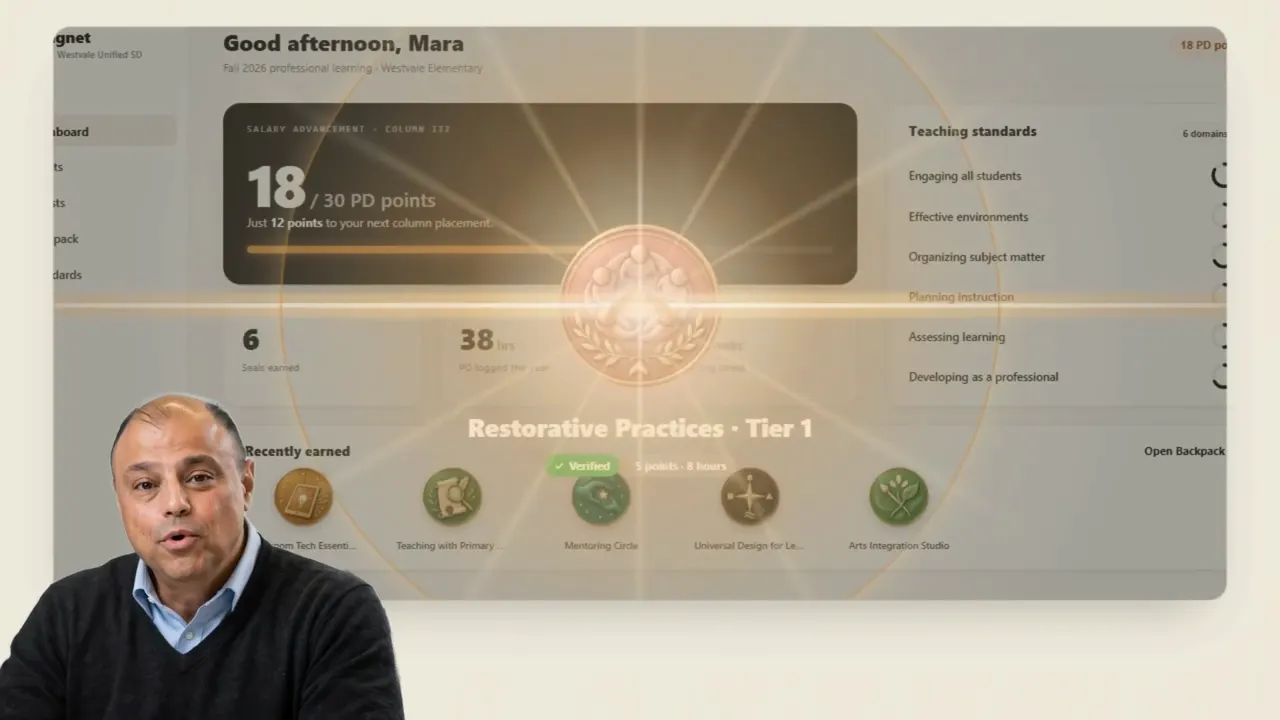
Signet in two minutes
From a request for a seat to a credential in the employee's portfolio, told by the person who designed it.
Play all · from 01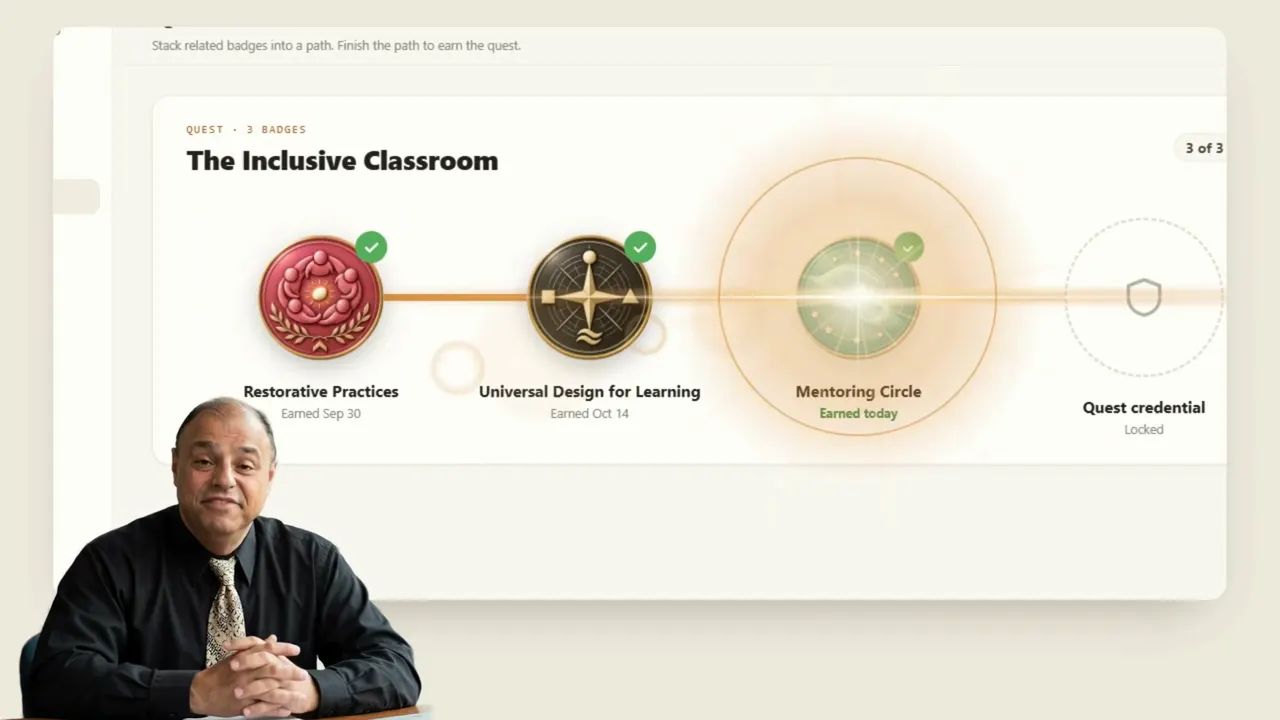 02Badges, points and questsEvery badge has criteria, evidence and a reviewer. Points add up, and related badges stack into quests.1:27
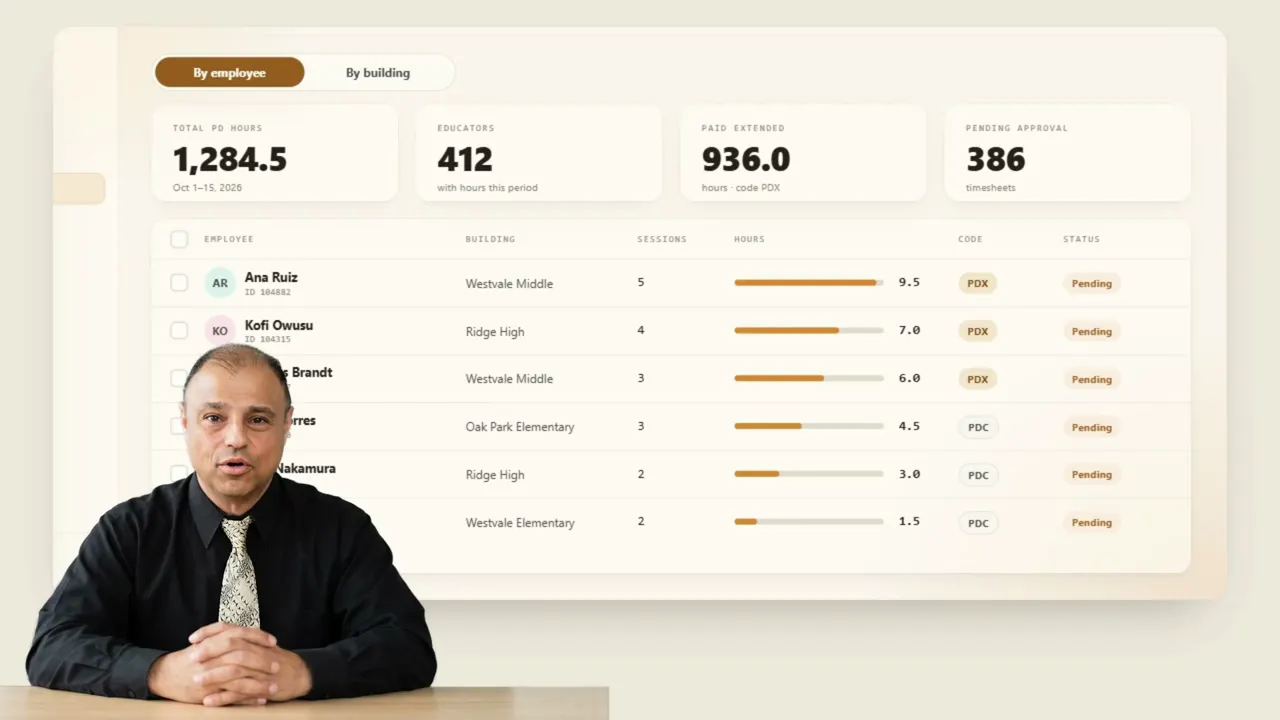 03PD hours, ready for payrollEvery hour in one report, by person or by building, approved for the pay period in one pass.1:25
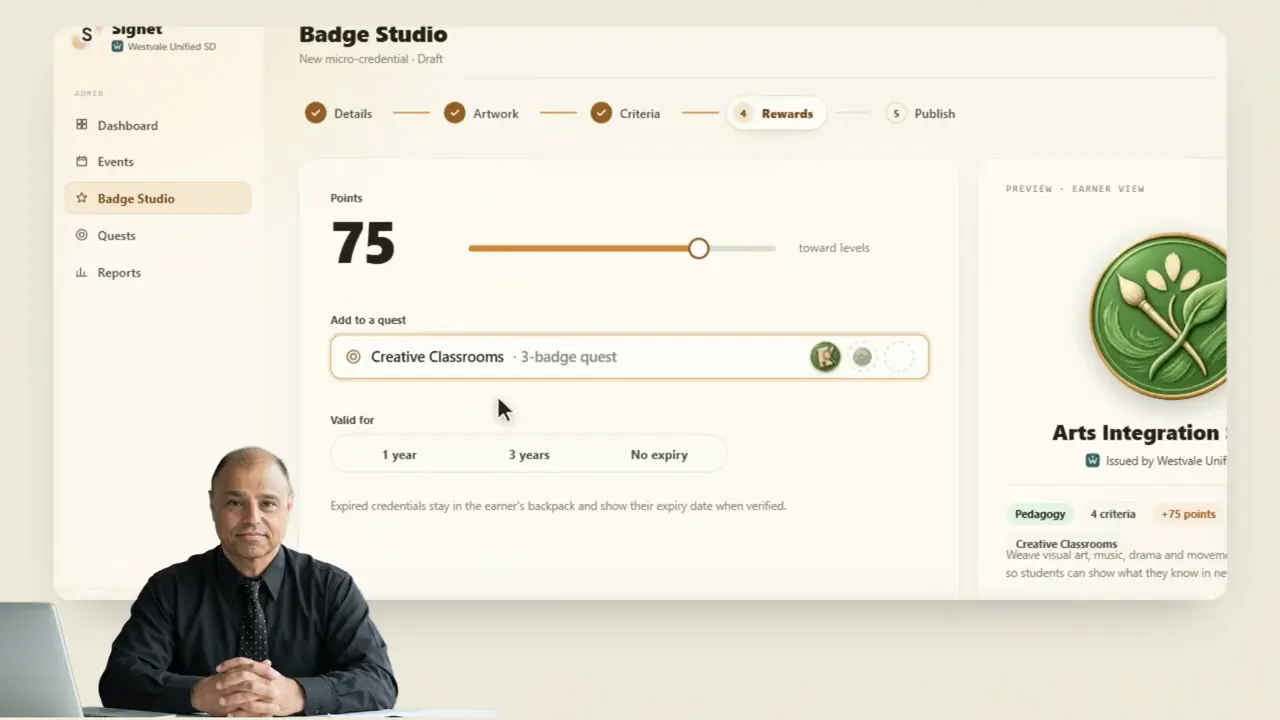 04Badge StudioDesign a badge, write its criteria, name its reviewer, add it to a quest and publish it to the catalog.1:16
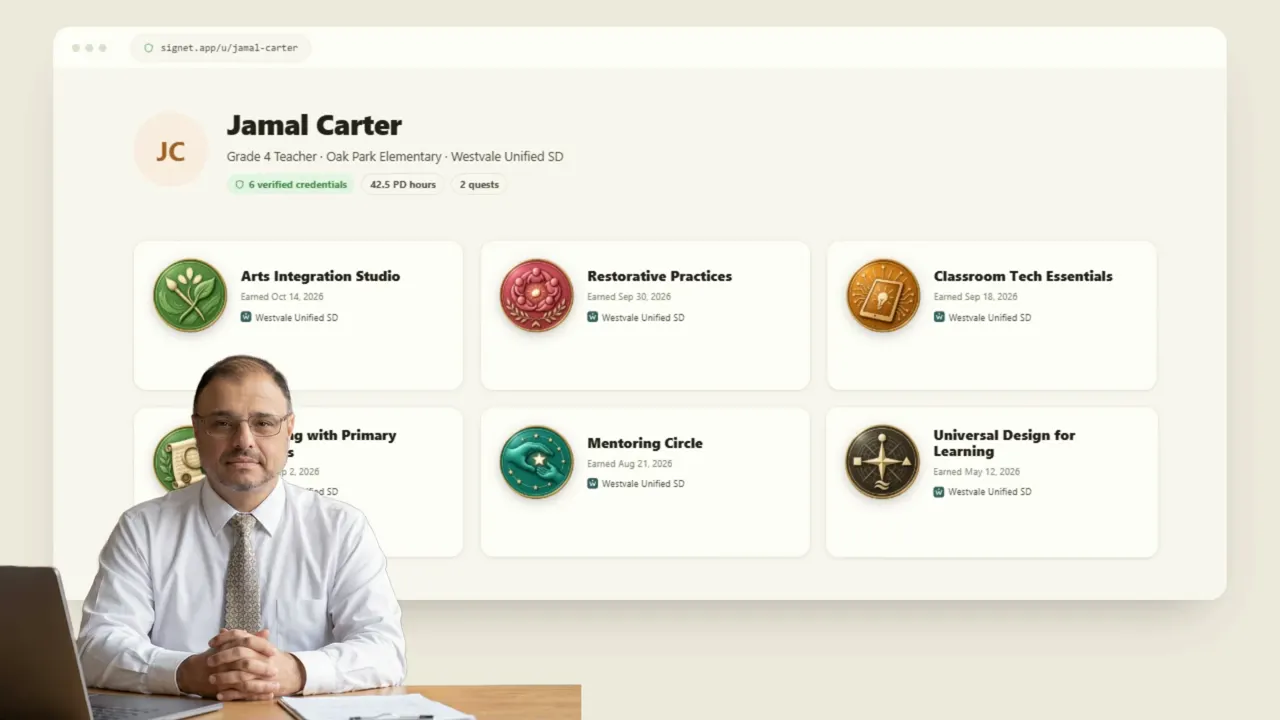 05The backpackEvery credential an employee has earned, shared to LinkedIn, an email signature or a public profile, verified live.1:19
No glue code
The integrations aren't integrations.
They're your Workspace.
Most registration tools hand data to a CRM, which hands it to an email tool, which hopes the webinar link is still right. Signet skips the relay. When an administrator approves a seat, Google Calendar sends the invitation into the person's own calendar with a Meet link attached, and the confirmation comes from your department's address. A colleague is writing, not a no-reply robot.
Why Signet, not KickUp
Attendance shouldn't be
the attendee's homework.
- Get the code from the facilitator
- Log in to KickUp
- Open Confirm attendance
- Enter the code, or scan the QR code
Until someone confirms, the session doesn't count toward the transcript, and the fallback is a facilitator confirming people by hand.
- Attend. That's it.
The administrator uploads the report Google Meet already produces. Rows match registrants by email, hours compute themselves, and the credential issues once attendance is recorded (or the reflection, where one is required).
Side by side
Where KickUp asks the attendee,
Signet already knows.
Still on the county system?
Where the old system prints a certificate,
Signet signs one.
Proof that travels
A certificate says so.
A signed credential proves it.
Every credential is an Open Badges 3.0 record with its signature and metadata baked into the badge image. Another school, a university or a future employer can check it against Signet's published key, without emailing anyone. Revoked credentials say they were revoked. They don't vanish.
Made to measure
Your front door,
designed for you.
Every organization gets its own subdomain, seal and palette out of the box. On request we go further: a landing page designed around your programs and your visual identity, and the system itself tailored to how your organization runs learning, from its terminology to its workflow.
Stated up front
What Signet deliberately doesn't do.
Signet holds staff and attendee records only.
Nothing to steal, guess or reset.
No analytics vendor, no session recording.
The badge studio can ask an AI for art. No name, roster or reflection is ever sent.